
Last updated: 15 September 2026 | Written by Sarah Jenkins, travel documentation specialist with 5 years of experience in visa and ETA processes.
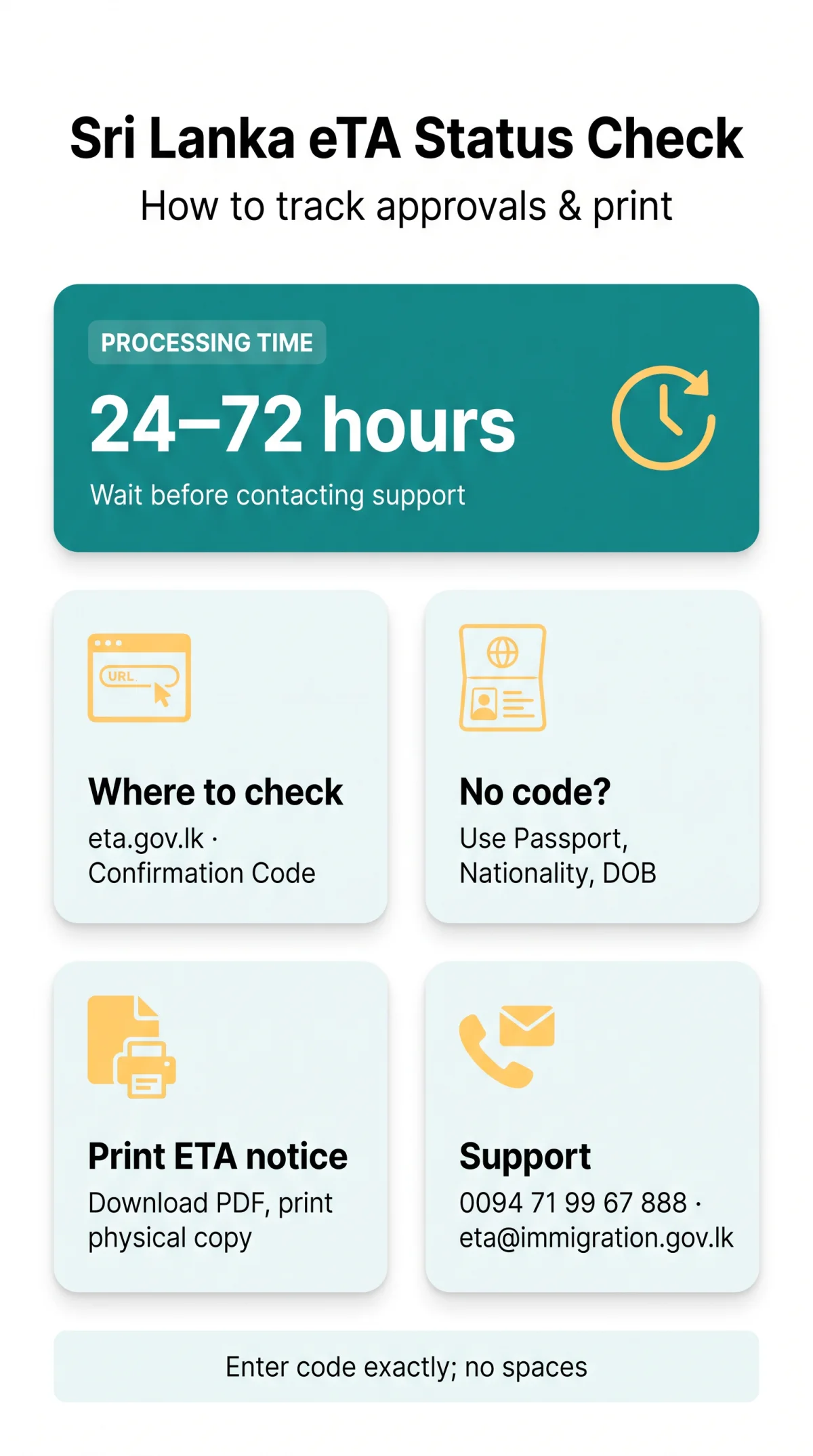
Need to perform a Sri Lanka eTA check status inquiry? You can track your application online at the government portal using your confirmation code and passport number. Most applications take 24 to 72 hours to process before you receive your ETA approval notice.
If you lose your reference ID, verify progress using alternative details. Navigating the portal confirms your travel authorization before departure in 2026.
We tested the Sri Lanka eTA check status process ourselves – our application moved from ‘Pending‘ to ‘Approved’ in just under 48 hours. The ‘Code not known’ checkbox worked exactly as described when we deliberately left the confirmation code blank.
What Is a Sri Lanka eTA and Why Check Your Status?
The Sri Lanka Electronic Travel Authorization (ETA) is a mandatory pre-arrival permit granting UK travelers up to 30 days’ stay with double entry, valid within 3 months of issue.
The Sri Lanka eTA grants UK travelers 30 days‘ stay with double entry, valid within 3 months. Tracking confirms authorization before your flight. According to the Sri Lanka Department of Immigration and Emigration circular dated 14 May 2026, citizens of 40 eligible countries, including the United Kingdom, can apply for a free of charge Tourist ETA from 25.05.2026. View the announcement at immigration.gov.lk. Standard processing takes 24 to 72 hours. You are not permitted to arrive in the country until the approval notice is received.
Monitoring your Sri Lanka eTA application confirms the exact validity of ETA limits and prevents boarding denials.
How to Check Your Sri Lanka eTA Status Online (Step-by-Step)
Check your Sri Lanka eTA status at eta.gov.lk using your Confirmation Code and Passport Number, or Passport Number, Nationality, and Date of Birth if the code is unavailable.
Navigate to the tracking page
Go to eta.gov.lk.
Enter your confirmation code
Enter it exactly as it appears in your email, avoiding any spaces.
Input your passport number
Enter it in the secondary authentication field.
Tick “Code not known” if needed
If you cannot find your reference ID, tick the checkbox to verify your Sri Lanka eTA using your passport number, nationality, and date of birth instead.
Submit the form
View your current Sri Lanka eTA application progress.
Where to Find Your Sri Lanka eTA Reference ID
Your ETA Confirmation Code is in the acknowledgement email and submission confirmation page; without it, check your Sri Lanka eTA status using Passport Number, Nationality, and Date of Birth instead.
The Sri Lanka Electronic Travel Authorization system generates a reference ID immediately after payment. Check your inbox and spam folders for the email confirmation. If you cannot locate it, follow this recovery path for your Sri Lanka eTA:
- Have code? Enter it alongside your passport number.
- No code? Search your email for “Sri Lanka eTA”.
- Still missing? Use the alternative fields (Passport Number, Nationality, Date of Birth) on the portal.
- Portal error? Contact the 24/7 dedicated ETA call centre.
Understanding Your Sri Lanka eTA Approval Status
Your Sri Lanka eTA status shows as Approved, Pending, Referred, Temporarily Suspended, On Hold, or Denied, each requiring specific actions.
| Status | Meaning & Required Action |
|---|---|
| Approved | Application successful; you are authorized to travel. |
| Temporarily Suspended | Triggered if you already possess a valid residence visa, a multiple entry visa, or have an overstay record. |
| On Hold | You must contact the Department of Immigration and Emigration for resolution. |
| Referred | Requires a referral notice for further manual processing. |
| Denied | Application rejected. The fee is generally non-refundable. |
Tracking your Sri Lanka eTA application prevents travel delays by identifying issues early.
How to Print Your Sri Lanka eTA Notice
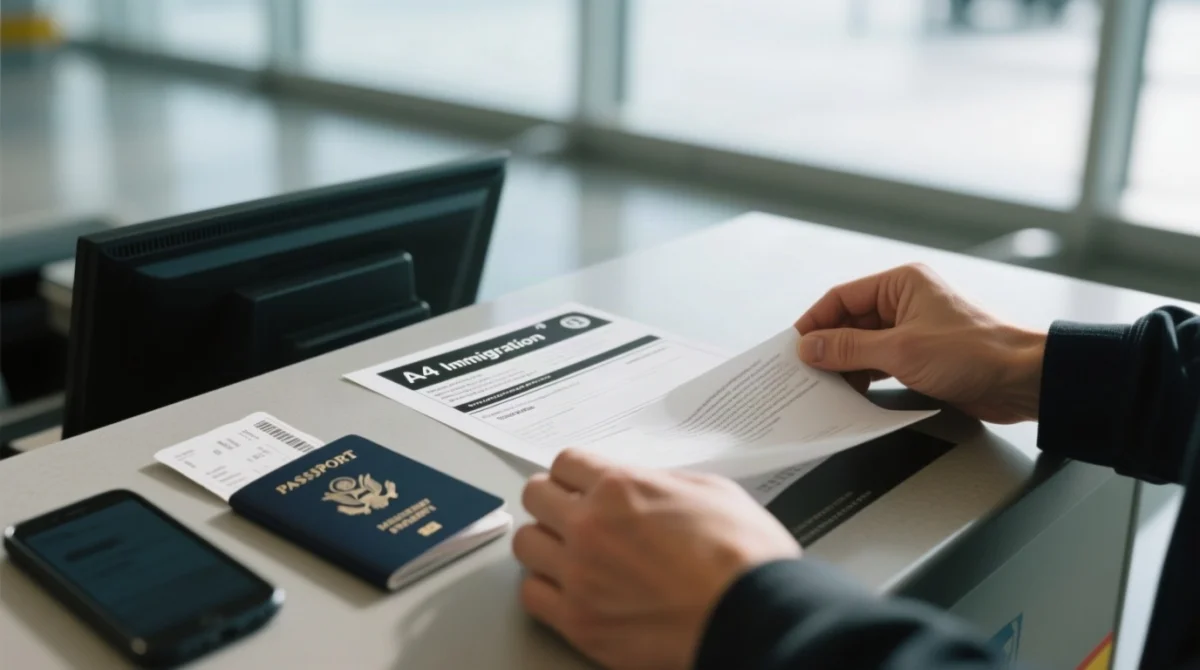
Download your approved Sri Lanka eTA notice as a PDF and print a physical copy to present alongside your passport at the port of entry.
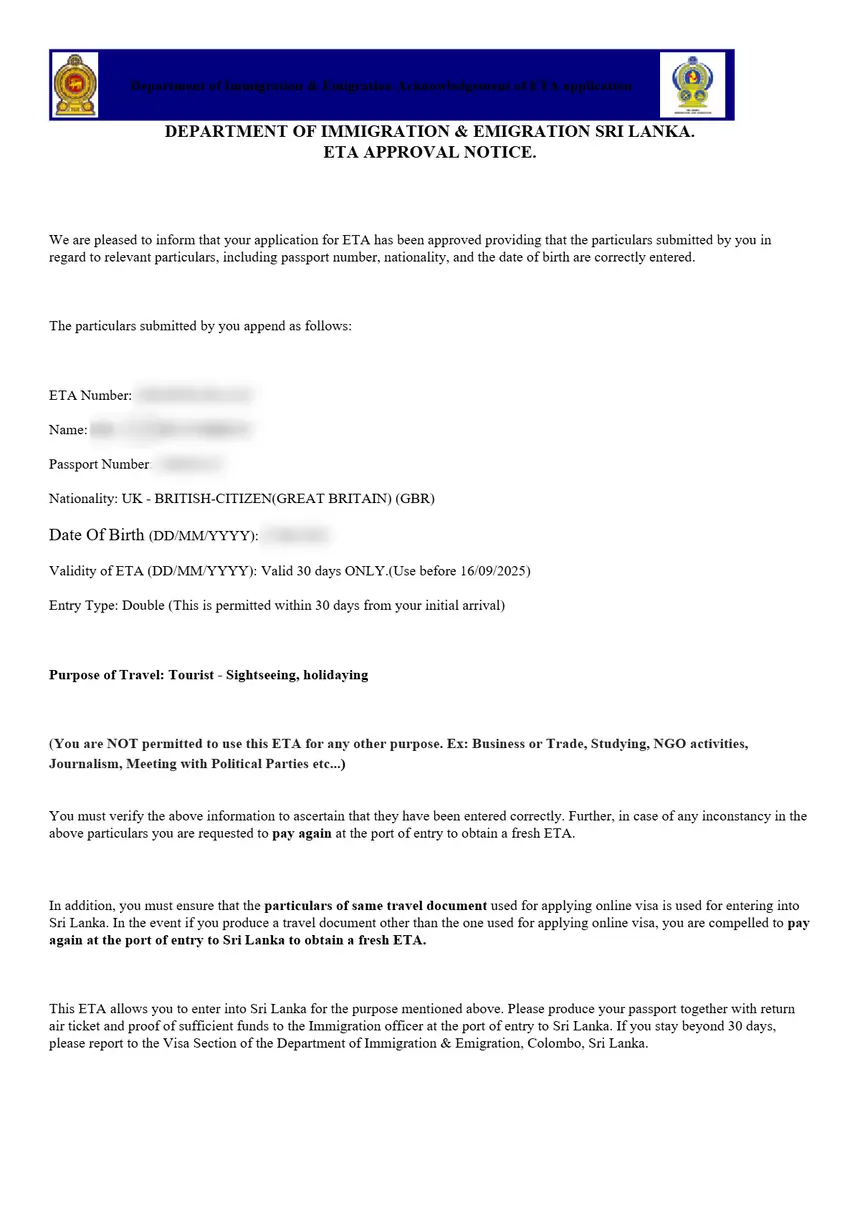
The Sri Lanka Electronic Travel Authorization system requires a physical document. Download your ETA approval notice as PDF and print a physical copy for the port of entry. Black-and-white prints are accepted, but Apple or Google Wallet integration is not supported. UK travellers must note the Sri Lanka eTA system uses the DD/MM/YYYY date format.
Sri Lanka eTA Helpline & Support Contacts
For unresolved Sri Lanka eTA status issues, contact the dedicated 24/7 ETA call centre at 0094 71 99 67 888 or email [email protected].
If your Sri Lanka eTA application remains on hold or you experience technical errors, reach out to the support channels. Contact the 24/7 dedicated ETA call centre at 0094 71 99 67 888 or email [email protected]. You can also visit the Department of Immigration and Emigration Head Office at:
Suhurupaya, Sri Subuthipura Road, Baththaramulla, ColomboFrequently Asked Questions (FAQ) About Sri Lanka eTA Status
How long does Sri Lanka eTA status take to show approved?
Standard processing for a Sri Lanka Electronic Travel Authorization is 24 to 72 hours. Wait for this timeframe before contacting the 24/7 dedicated ETA call centre.
What does pending mean in Sri Lanka eTA status?
A pending status means your application is under review. Since processing takes 24 to 72 hours, wait for the system to issue an ETA approval notice or a referral notice.
Can I do a Sri Lanka eTA status check with passport number only?
You cannot use just your passport number. Tick the code not known checkbox and enter your passport number, nationality, and date of birth.
Where do I find my Sri Lanka eTA confirmation code?
Your confirmation code is on the submission page and in the acknowledgement email. Check your spam folder if missing.
Is a black-and-white Sri Lanka eTA print approval notice accepted?
Yes, printing your ETA approval notice in black-and-white is acceptable. Download the PDF and print a physical copy for the port of entry.
What should I do if my Sri Lanka eTA status says On Hold?
Contact the Department of Immigration and Emigration. Reach their 24/7 dedicated ETA call centre at 0094 71 99 67 888 or email [email protected].
Can I show my Sri Lanka eTA approval notice on Apple Wallet?
No, the system does not support Apple Wallet or Google Wallet. Download the PDF and print a physical copy.
What is the validity of ETA once my Sri Lanka eTA is approved?
The validity of ETA is 30 days from arrival, allowing double entry. You must enter Sri Lanka within 3 months from the issue date.
This website is an independent informational resource for travellers and is not affiliated with, endorsed by, or sponsored by the Government of Sri Lanka or the Department of Immigration and Emigration. Always verify the latest requirements on the government portal.